

Skip to navigation

Routes

The path that decides where a request ends up.
View as Markdown

A route is a path under a domain — the /spring in go.acme.com/spring — that points to one or more targets. Every route belongs to one domain, and its path must be unique within that domain.
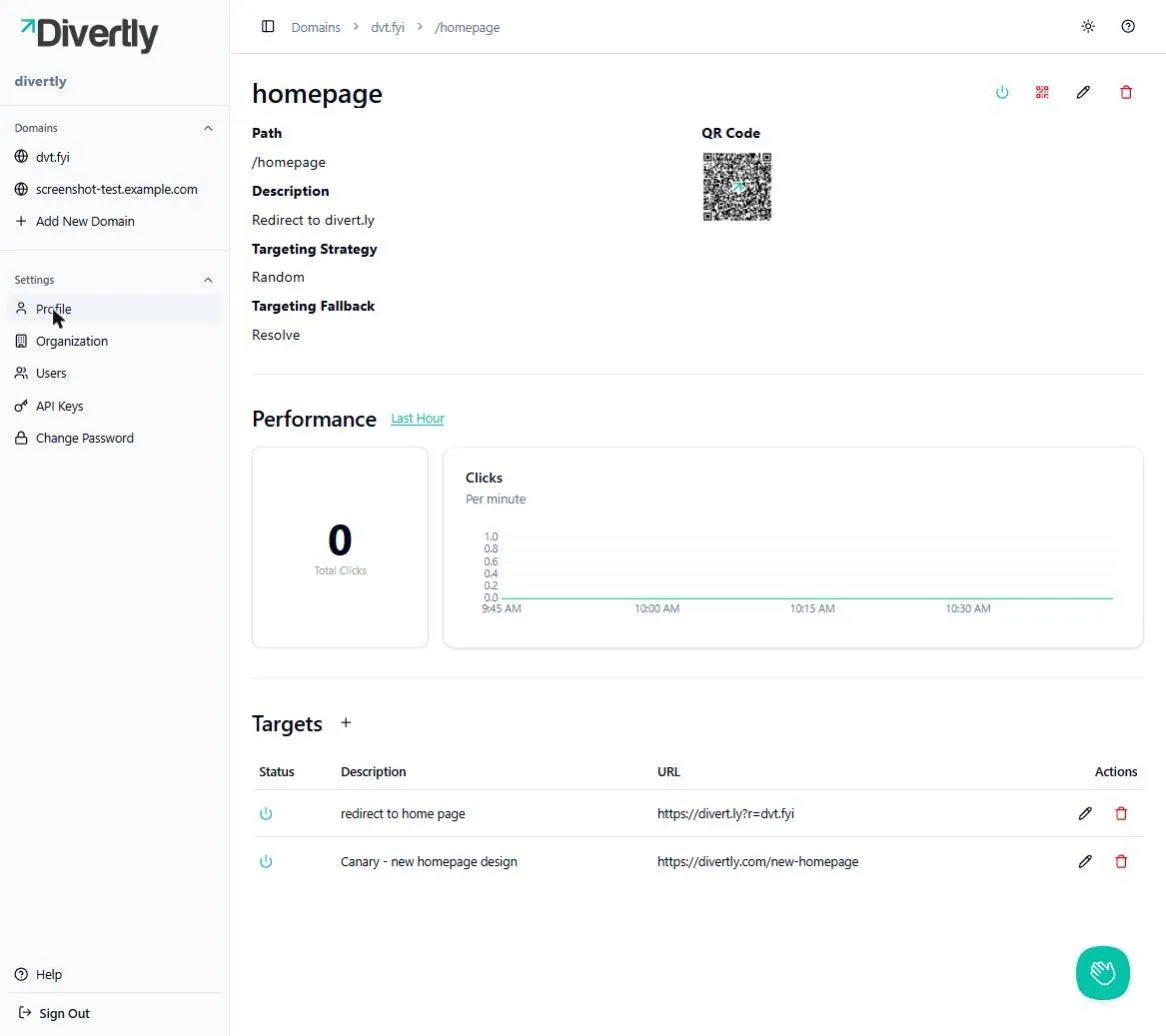
A route's detail page, showing its fields, QR code, and performance

Fields

FieldDescription
PathThe path segment after the domain, such as /spring or /cool-dogs. Only letters, numbers, hyphens, and slashes are allowed. Use the dice icon next to the field to generate a random one.
NicknameA short, friendly name to help you find the route later.
DescriptionLonger, free-form notes about what the route is for.
EnabledWhether the route currently resolves. Disabling a route stops it from routing without deleting it.
Targeting StrategyHow the route chooses which target handles a given request. See below.
Targeting FallbackWhat happens when no target matches the strategy: Error, or Resolve to a default target.
Default TargetThe target used when the fallback is Resolve.

Targeting strategies

A route’s targeting strategy decides which of its targets handles a given request. Weighted and Random are available on every plan, including Free. All the other strategies are available on paid plans. For the exact rules, including what happens when several targets match or none do, see Target Selection.
StrategyChooses a target based on
WeightedA relative weight set on each target.
RandomNothing — targets are chosen at random, roughly evenly over time. This is the default.
CountryThe visitor’s country.
Device TypeThe visitor’s device.
Operating SystemThe visitor’s operating system.
LanguageThe visitor’s browser language.
BrowserThe visitor’s browser.
HumanWhether the request looks like it came from a person or from automated traffic. See Redirect Bot Traffic.
HeaderThe value of a request header you name.
Query StringThe value of a query-string parameter you name.
IP CIDRWhether the visitor’s IP address falls inside a range you specify.
User AgentThe visitor’s user-agent string.
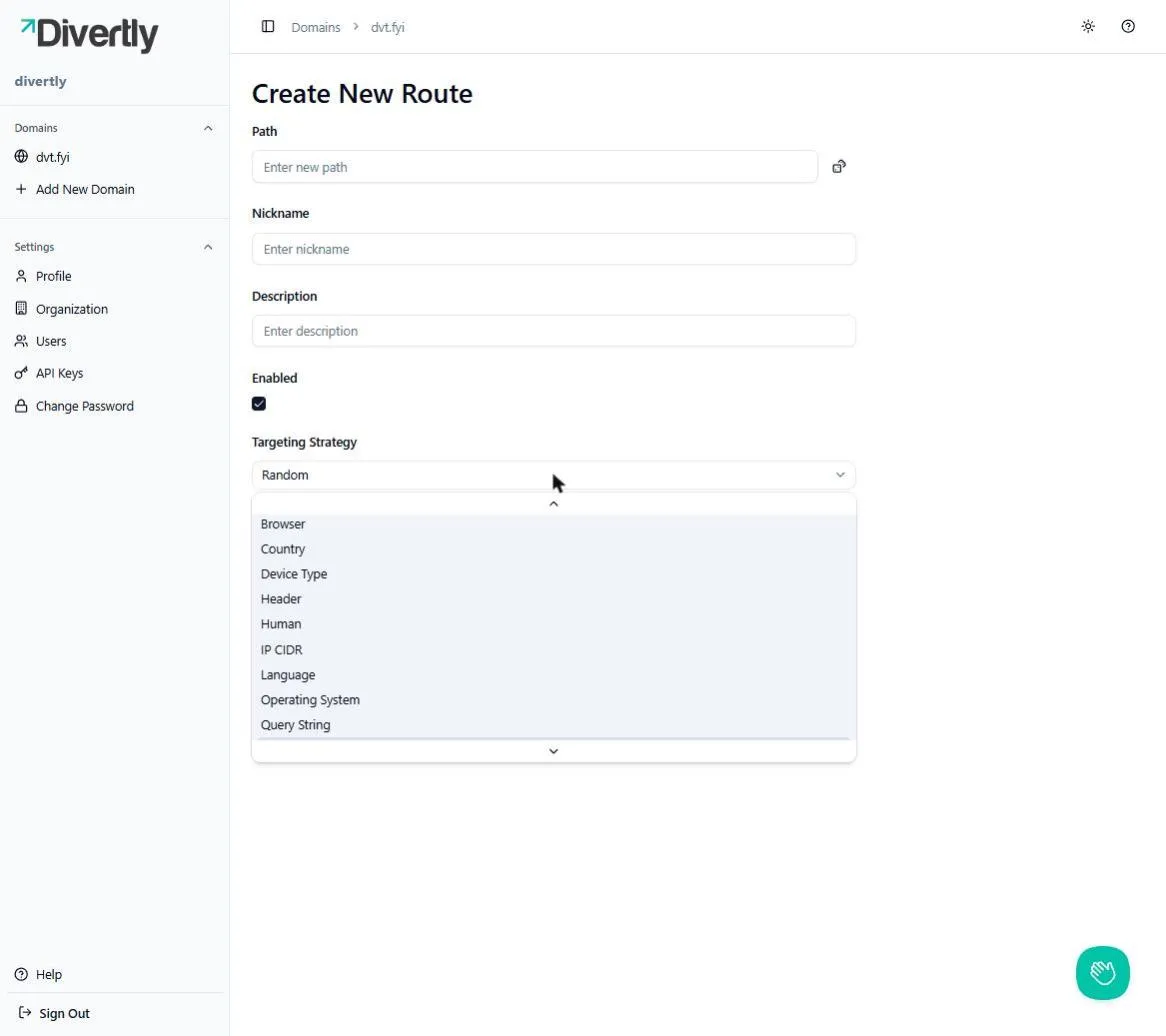
The Targeting Strategy dropdown on the Create New Route form, showing the full list of strategies

Two of these — Header and Query String — need one more piece of route-level configuration: a Targeting Selector, the specific header name or query-string parameter to inspect. The other strategies don’t need this, because there’s nothing to name — a Country-strategy route always checks the visitor’s country, for instance.

Once you’ve picked a strategy, add targets to the route to supply the actual matching values.

QR codes

Generate a QR code for a route from its detail page. A route can have one QR code at a time; delete it and generate a new one if you need to start over.
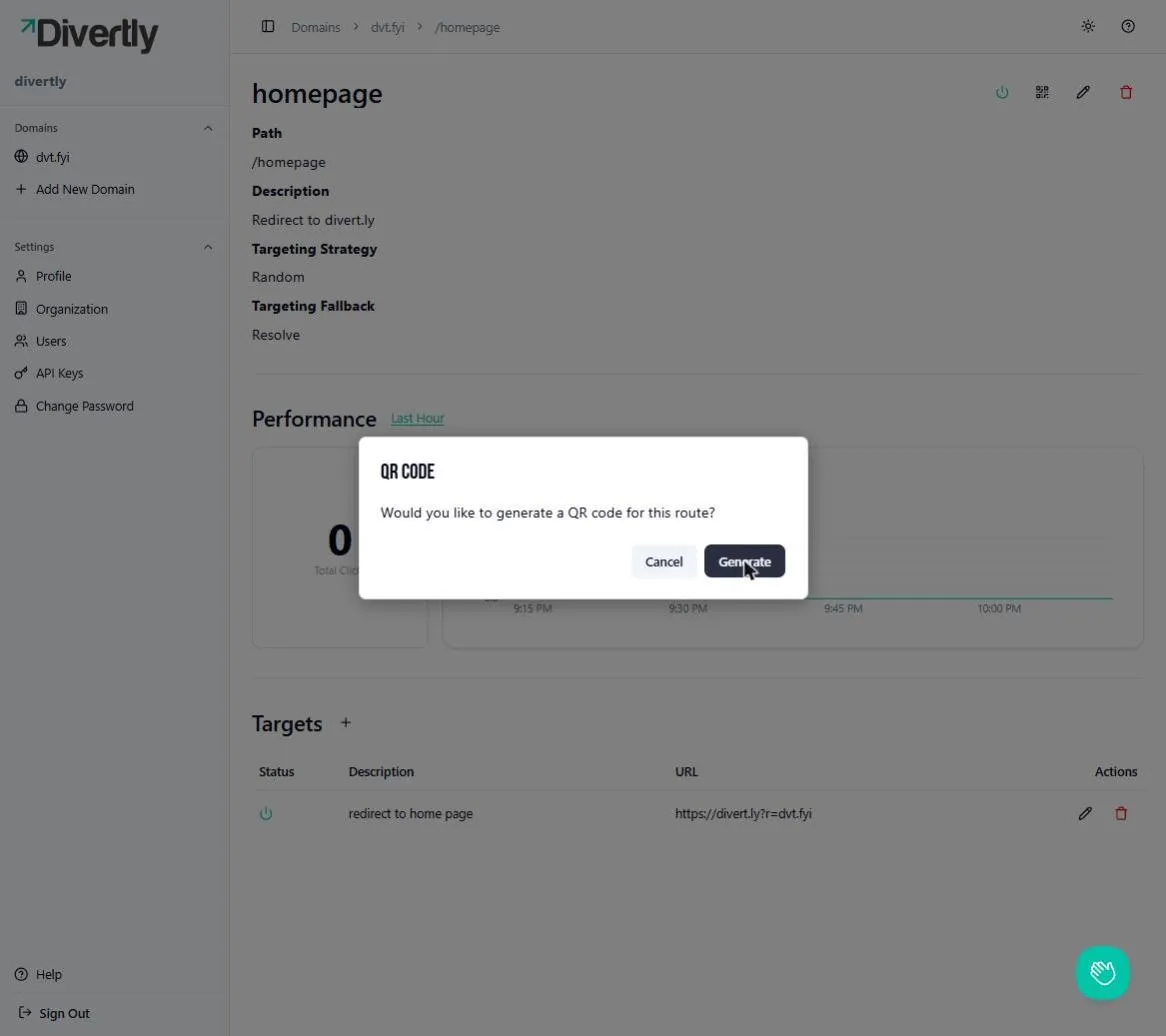
The confirmation dialog for generating a QR code

Metrics and risk

Every route’s page shows its traffic over time and, if anything about it has been flagged, a risk notice. See Metrics and Security & Risk.