

Metrics
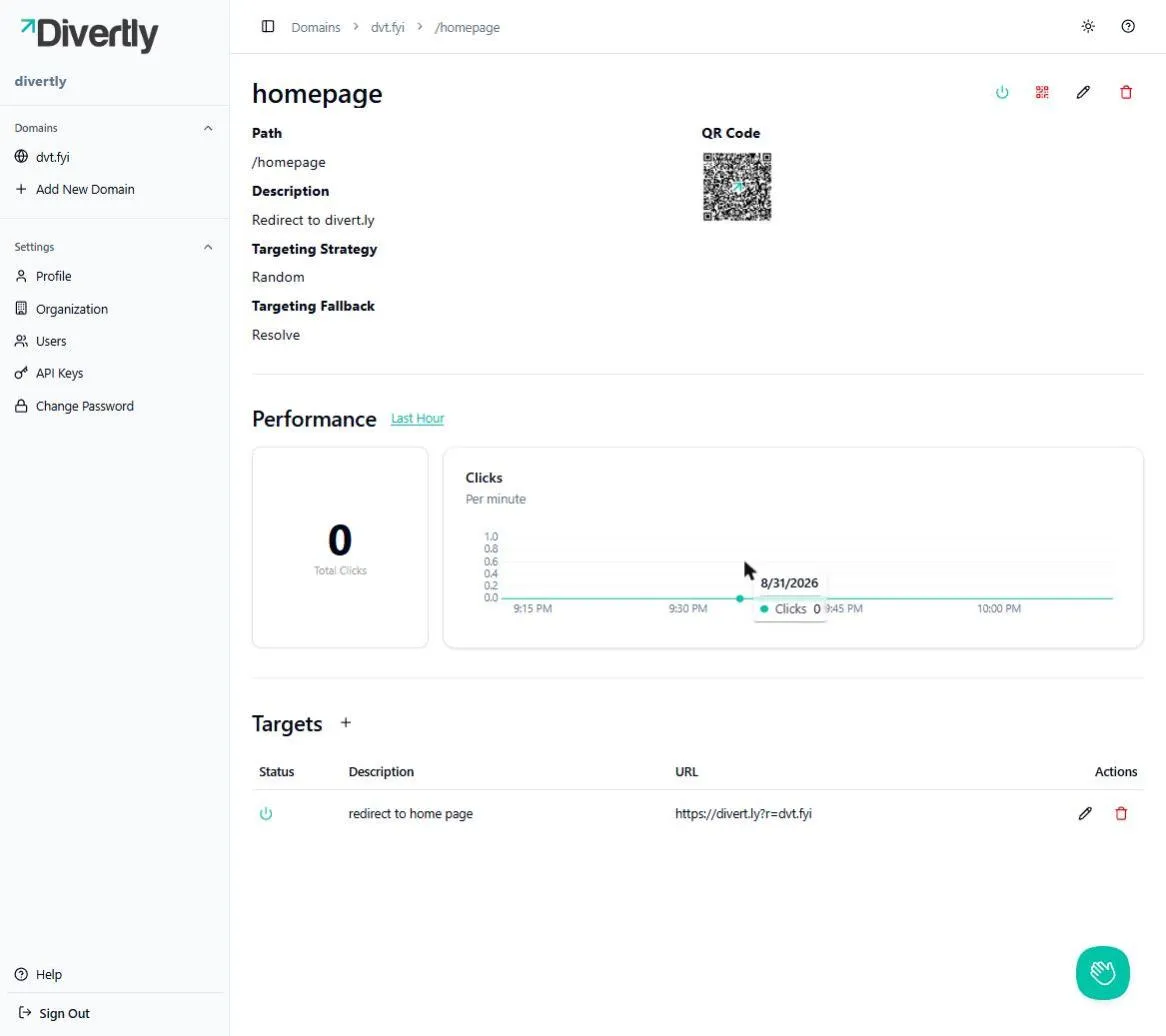
Domains, routes, and targets each show their own traffic on their detail page, under Performance.
What’s shown
- Total Clicks — the total number of requests served in the selected time range.
- Clicks — the same count broken out over time, as a chart.
Choose a time range — Last Hour, Last Day, Last Week, or Last Month — from the control next to the Performance heading. The chart’s granularity adjusts with it: by minute for the last hour, by hour for the last day, and by day for longer ranges.
Metrics are kept for 30 days on every plan. See Data Retention & Export.
Metrics aren’t available through the API yet. Programmatic access is coming soon.
Scope
A domain’s metrics include every route and target under it. A route’s metrics include every target under it. A target’s metrics are just its own — useful for comparing how individual targets on the same route are performing against each other, such as during a canary rollout.